Advanced helpdesk software for your business

Trusted by brands worldwide





Get a handle on your emails and tickets
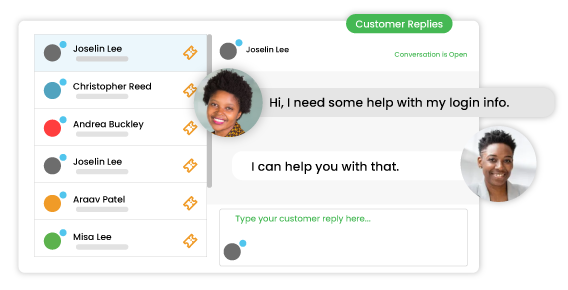
Manage all your support requests. Create tickets from connected email inboxes, request forms, third-party apps, and live chat. Resolve tickets all from one place.
Enhance productivity through automation
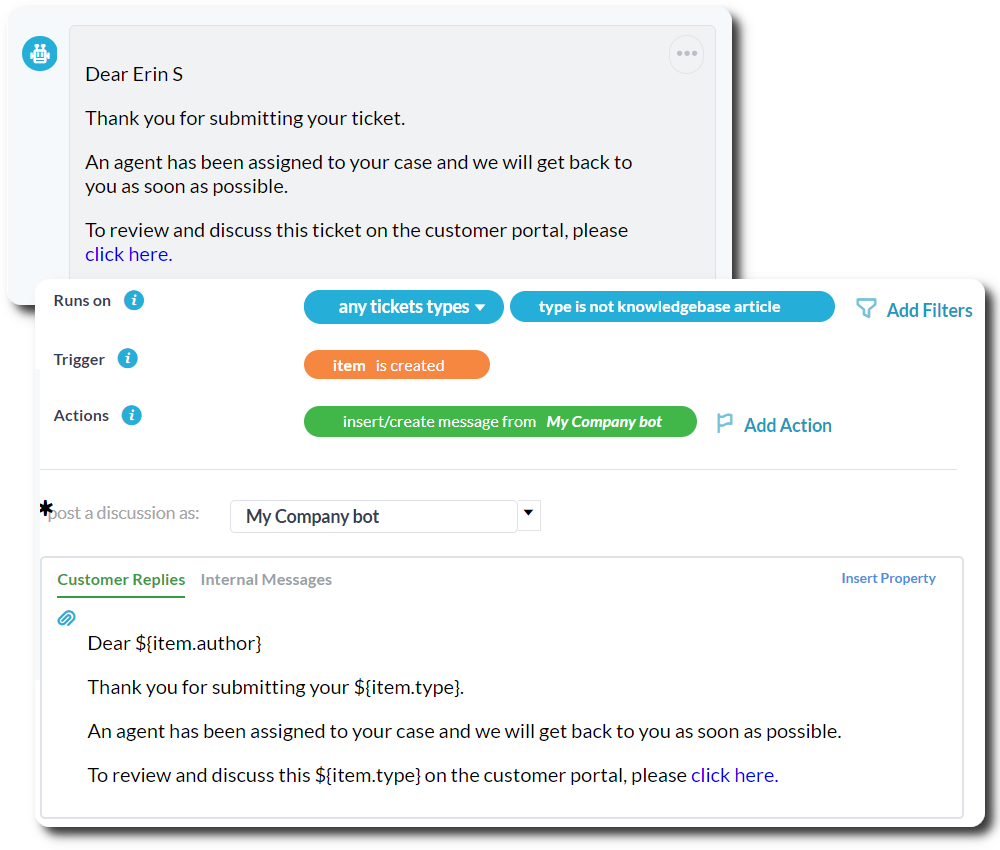
Automate your routine workflows to save time and increase agent productivity. Automatically handle ticket routing, assignments, replies, and much more.
Empower your customers
Give your customers their own tools!
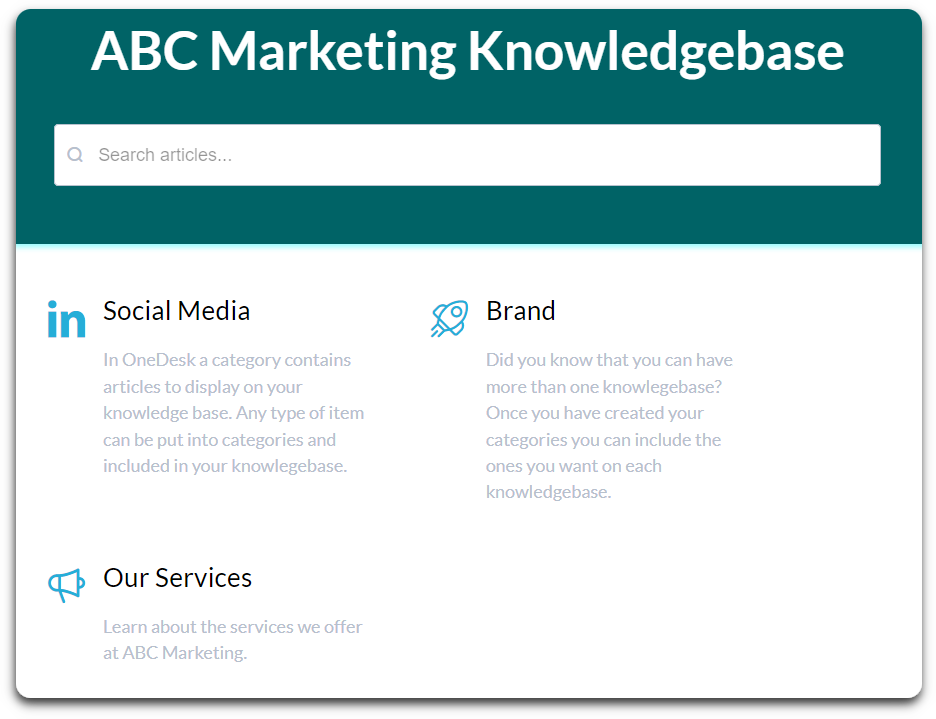
- Cut back on common questions by setting up a knowledgebase.
- Reduce follow up inquiries with the customer portal.
- Engage customers in real-time with live chat.
- Gather the information you need with customizable request forms.
Save time and deflect tickets with AI
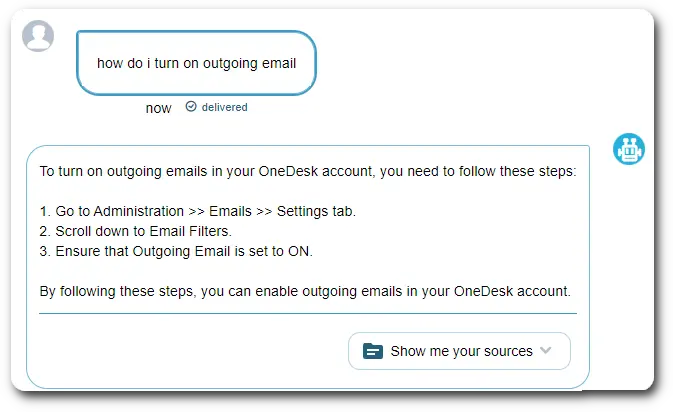
Instantly and accurately resolve questions to reduce your ticket volume with Odie the AI agent. Odie is trained entirely on your content – knowledge base articles, web pages, and agent replies. Your AI learns as your company grows.
Enterprise software without the enterprise cost
Get the powerful features and advanced customization options typically only available in expensive enterprise software.
Starting at only $11.99 per user/month, OneDesk is a robust yet affordable option.

What sets OneDesk apart?
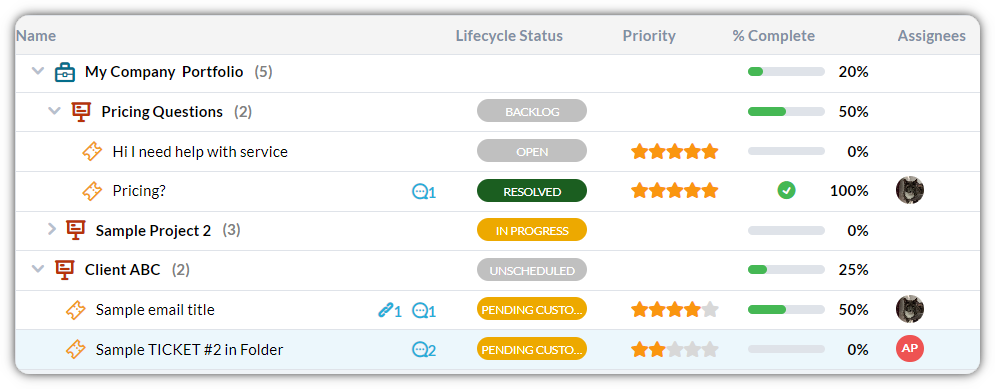
OneDesk provides a unique combination of help desk and project management seamlessly integrated. Manage your projects and operations from one app. Plus, OneDesk is easy to start using, yet highly customizable. Configure unique fields, statuses, work views, automations, and more.
Plus, even more features
Stay mobile
Respond to your customers, update tickets, and stay updated from the OneDesk mobile app.
Gain insights
Understand how your team is performing by using real-time analytics and scheduled reports.
Measure satisfaction
Measure customer satisfaction on tickets and turn an unhappy customer into a happy one.
Foster collaboration
@ mention teammates, link tickets, and share files with real-time messaging.

Try out all the features of OneDesk
14 day full-featured trial. No credit card required.