OneDesk for Dev Teams

As an in-house dev team or part of an external software development firm, you are continually developing new products, adding features, or fixing bugs. Streamline your workflow with OneDesk.

Organize tickets and bug reports

Capture feature requests, tickets, and bugs from your end-users. Integrate your support email, provide live chat from your website, answer phone calls, and more – all centralized in one place.

Why OneDesk for dev teams?

Log requests and bugs

OneDesk’s helpdesk system enables you to capture and respond to tickets, requests, or bugs from one centralized platform.

  • Create tickets from email integration.
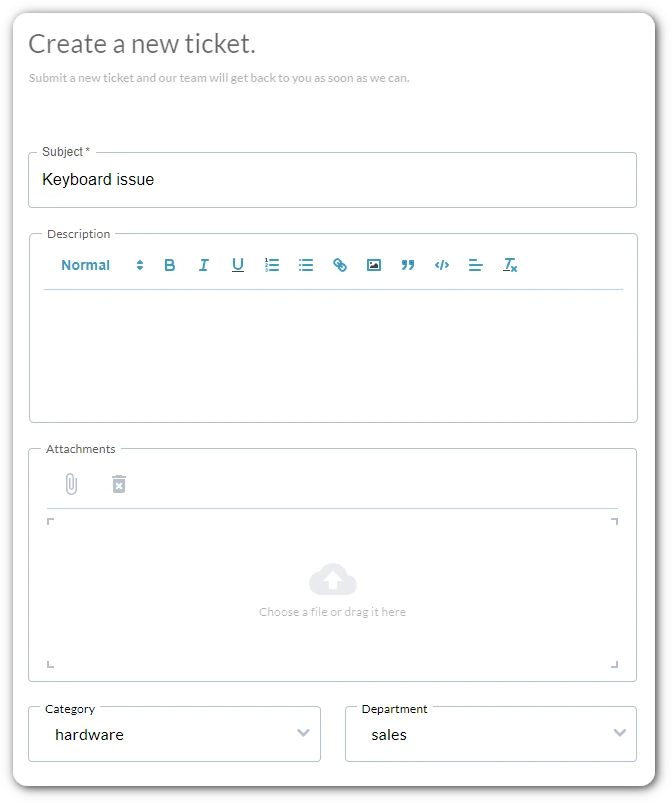
  • Capture all the necessary information in one go with ticket forms.
  • Log tickets from live chats. 
  • Integrate with other apps to create tickets.

With seamlessly integrated project management you can escalate issues or incorporate requests into your release plans. 

Work views for traditional & agile project management

Agile project management

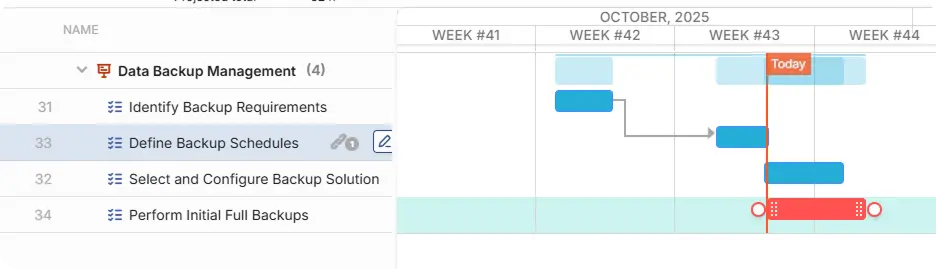
Take your project management to the next level with a ton of customizable features to support agile or traditional project management. 

  • Custom dashboards
  • Kanban board
  • Gantt chart
  • Burndown charts
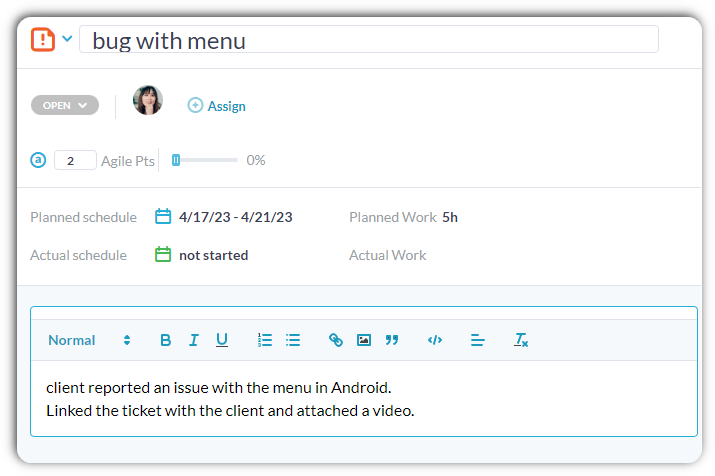
  • Agile (story) points
  • and much more

Boost productivity with AI

Focus on high-value work by using advanced AI to save time.

AI chat agent

Allow end-users and prospects to inquire about your services 24/7.  The AI Agent learns from your content – website, knowledgebase articles, canned responses, and historic replies – so replies are accurate and focused. 

Summarize tickets and tasks

Save time sifting through long conversation threads and request details, let OneDesk AI condense complex tasks or requests into short actionable summaries. 

Generate knowledge base articles

Build out your knowledge base easily and keep track of processes. AI converts tickets or project tasks into structured knowledge base articles. OneDesk AI removes personal information and extracts key information to create detailed articles.

AI suggested replies

Get suggestions on the best replies and articles based on the conversation context. Save time typing with AI-generated replies. 

Automate your workflows

Customize your workflow and streamline your processes with OneDesk’s automation rules. You can set automations that automatically remind you about deadlines, update work, assign tasks according to specified conditions, and much more

Knowledge management

Keep all your information organized in your knowledge base. Create an internal knowledge base with notes or documentation. Build out a public knowledge base with FAQs or user guides.  Even non-dev team members can create articles with the easy to use text editor article creation. 

Collaborate with your team

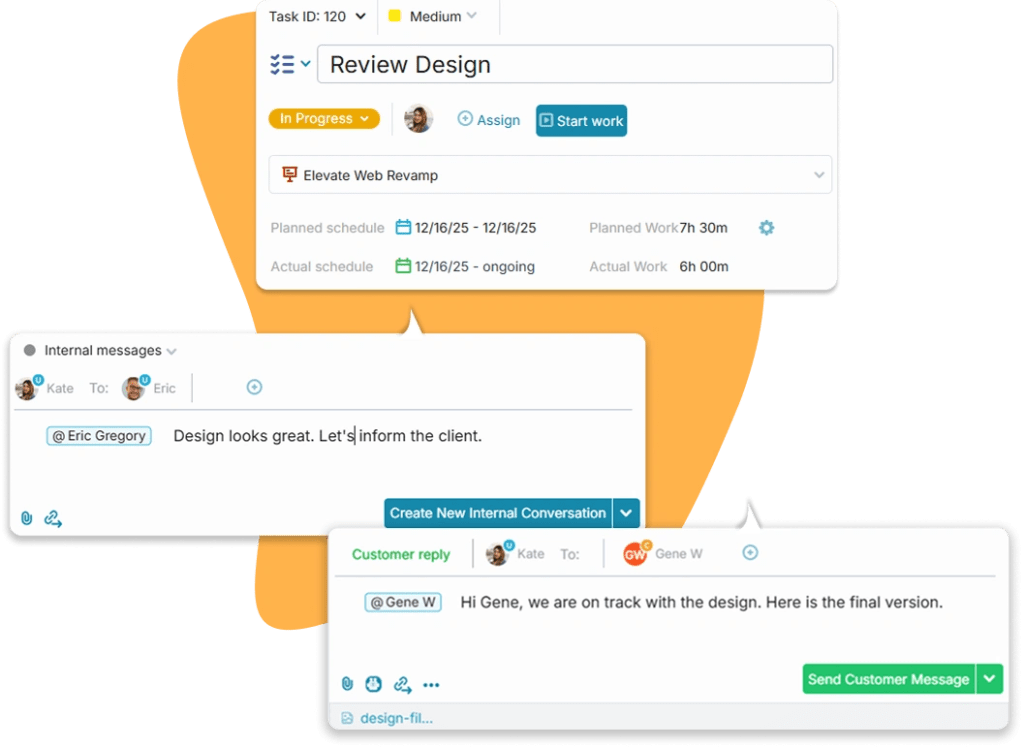
Collaborate with your team or whole organization to deliver better products faster.  Collaboration features include: 

  • Real-time messaging
  • Email integration
  • Push, email, and in-app notifications
  • File sharing
  • Internal and public messaging 
  • Integration with 3rd party collaboration and messaging apps
tasks management collaboration

Why OneDesk for dev teams?

OneDesk helps you plan your projects from start to finish. Using task schedules, you can plan time spent on each task, helping you manage your projects and budget. Provide transparency to your stakeholder by having a client portal in place. With OneDesk, you can keep everyone updated about your projects and receive real-time visual analytics, enabling you to make informed decisions daily.

OneDesk is a combination of HelpDesk and Project Management in one application. Carry your OneDesk with you — Connect with your employees, clients, and external teams on the go. OneDesk makes it easy for you to manage projects without the need to purchase, learn, integrate, and switch between multiple applications.

FAQ: OneDesk for development teams

OneDesk has many features that are helpful for development teams. 

Features include: 

  • Kanban boards
  • Gantt chart
  • Real-time messaging
  • Email integration
  • Knowledge base
  • and more

Try it for yourself

Start a full-featured trial. No credit card required.
Scroll to Top